
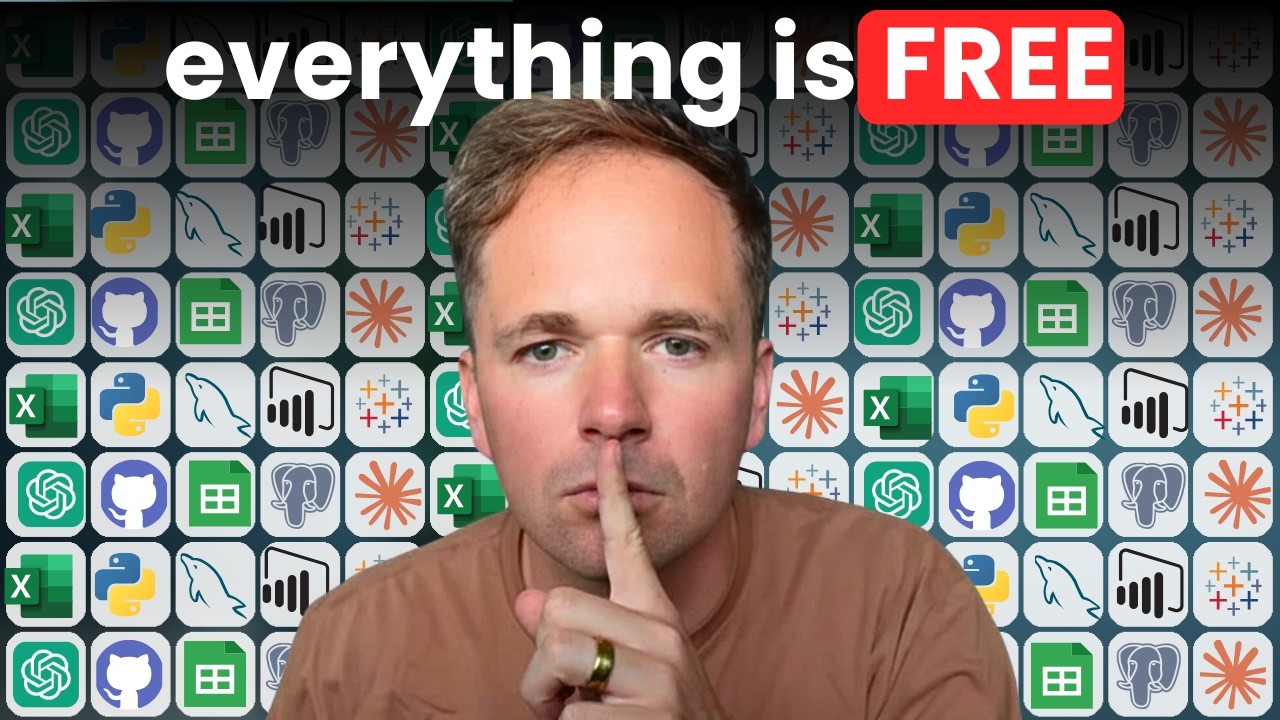
Excel, Tableau, & SQL are free?!?
If you're trying to break into data, you’ve probably looked at the tools you need to learn….
Excel. Tableau. SQL. Power BI. Python. R. AI.
When you add them all up, it sounds insanely expensive.
But here is the secret, these companies don't want you to know…
You can get every single tool you need for FREE!!!!
Here’s how

(btw, skip to all links here & in-depth explanation here)
1. Excel
Let's start with the big one: Excel!
Microsoft has a free web version of Excel, but they don't make it easy to find. It's almost like they don't want you to know.
It’s almost the same as the paid version.
You still get things like pivot tables, charts, formulas, and even Power Query. For most beginners, that is more than enough to get started.
2. Google Sheets
Google Sheets is even free-er than Excel !
Pretty much the same as Excel, but some things are a bit different.
important caveat - please read
Although it’s tempting to just learn Google Sheets, just know that there ARE some differences. And Excel shows up 68x more on job descriptions.
Link to Google Sheets for free.
3. Python
Python is free! Has been since it first published in ‘94.
But beware, installing Python is kinda a beast. The easiest way?
Install the Anaconda Distribution (also free). It’s waaaaaay easier. It not only install Python, but a bunch of useful libraries and IDE’s.
Trust me, guys.
Link to Python (Anaconda Distribution) for free.
4. R
R is free too!
R is used mostly in government, bio, or academia. But it’s by far the best statistics tool out there. And yup, it’s $0.
The website your download it from looks pretty dang old, but it works.
You’ll want an IDE to code in R. RStudio is the best one - also free.
5. SQL
SQL is free as well, but it’s a little tricky to set up.
Lots of ways to get started - lots of flavors to choose from.
My favorite is MySQL (yup, it’s free). You’ll want to select the “Community Server” and also the “Workbench” so you have an IDE.
But………
It’s kinda a pain to set this all up. Annoying.
So when I teach SQL to my bootcamp students, I give them a shortcut.
It’s 10x faster & easier.
…and I’ve lowkey been keeping it a secret (it’s that good)….
But since you’re a newsletter reader, I’ll share with you….CSVFiddle.io.
You upload a CSV file and write SQL queries against it directly in your browser. No installer. No setup. You're practicing real SQL in under two minutes.
Thank me later.
6. Tableau
Tableau is normally pretty expensive BUT it has a free version called Tableau Public.
It’s a bit limiting on everything you can do, but it’s good enough for learning sake.
But important warning, everything you publish there is visible to the world, so do not include ANY private data.
You can publish your work and link to it in your portfolio. That makes it a really good place to start.
7. Power BI
Power BI is a bit trickier.
Power BI Desktop is free, but it only works on Windows, not Mac.
And if you want to use the online Power BI service, Microsoft wants a work or school email to sign up.
AND you can’t share your work anywhere - it’s only local (not great).
So yes, you can still build real dashboards for free in Power BI. But Tableau Public is usually easier to access and easier to show in a portfolio.
Take screenshots if needed.
My honest recommendation: start with Tableau Public. It is easier to get into, and easier to share your work.
8 & 9. ChatGPT & Claude
AI is here to stay. I’m assuming you already know about ChatGPT right? Claude is basically ChatGPT from a different company (Anthropic), but better (at least as of right now).
They both have great free versions…but they'll limit how often you can use them.
The limits are always changing, and based on your data set, they might not last long.
That’s why I actually pay for both of these right now. To me, they’re becoming my #1 used software. And I think this may be true of data analysts in the new few years (or at least some similar tool).
That’s why I’m updating The Accelerator to teach about using these AI tools…
10. GitHub
One last free tool worth mentioning is GitHub.
GitHub is basically Google Docs for code.
You store your code there, share it with others, and track the versions of your work. Historically, I haven’t talked about it much because for most entry-level analyst roles, it’s overkill. But with AI, it’s becoming more of a player.
Worth mentioning now. Create a free account.
ALL DATA TOOLS ARE FREE!!!
All the data tools you need to land a job are free!
There’s paid versions of every tool, but that’s more for companies and enterprises.
Hope you found this useful

p.s. next step is to install all these on you computer. And learn how to use them. Of course, YouTube is useful for that…but what if you get stuck? or need help? That’s where I and The Accelerator can help you! :)